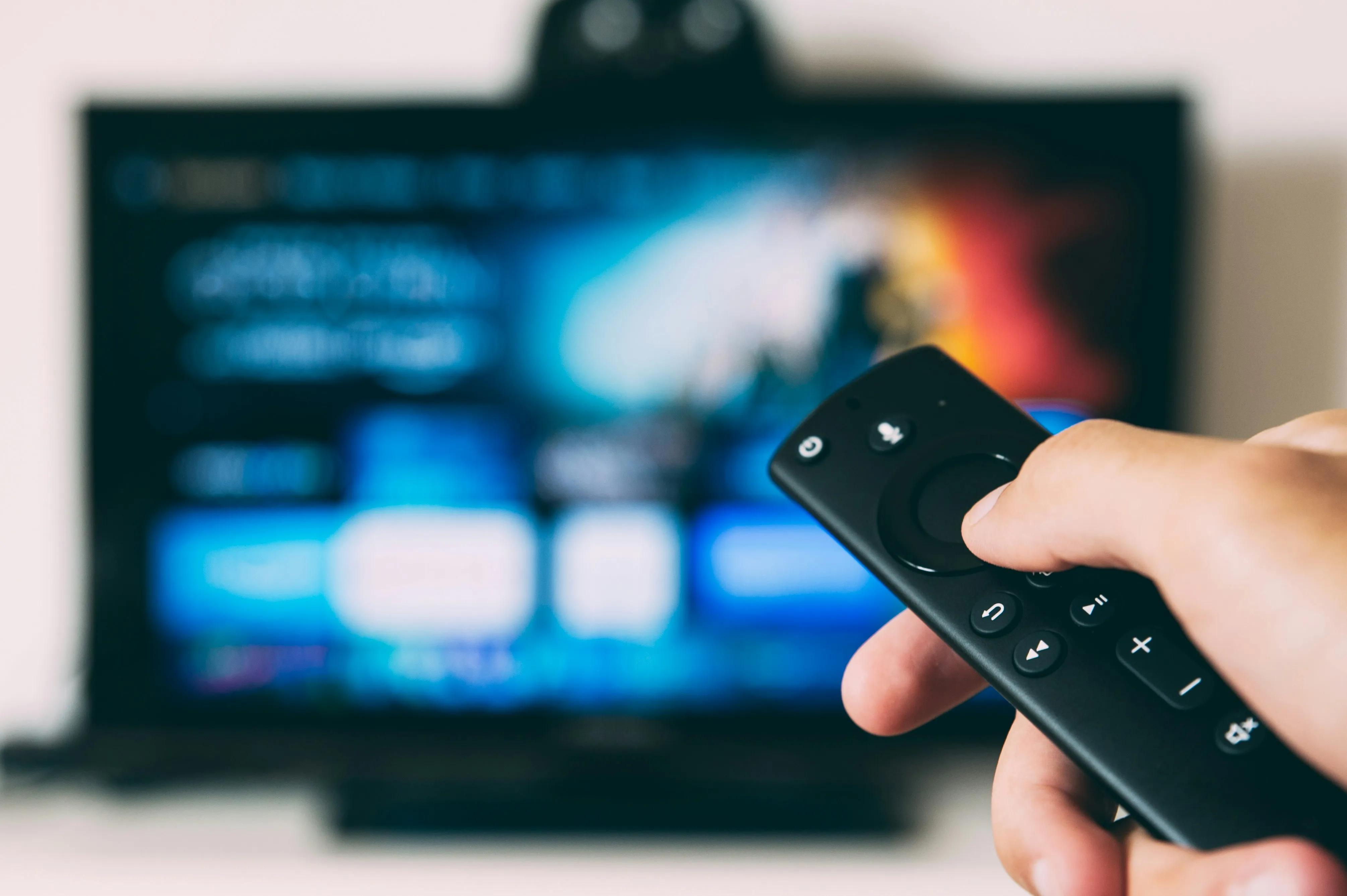
A media company came to us with what sounded like a straightforward request: "We want users to browse video content on their phones and cast it to any TV nearby."
Simple, right? Tap a video, tap a TV, watch.
Except the word "any" hid a world of complexity. The client's users had Chromecasts, Apple TVs, smart TVs with AirPlay, and older devices. The content needed dynamic overlays – QR codes, logos, animations that appear at specific moments. And the whole experience had to feel instant, like the phone was just a fancy remote control.
We quickly realized this wasn't a development project. It was an R&D expedition.
Here's what most people don't understand about Chromecast: playing a video is easy. Controlling what happens on the TV is hard.
Chromecast was designed for a simple use case – send a URL, let the TV handle it. But our client needed more:
The default Chromecast receiver doesn't do any of that. We needed to build our own.
Before writing any production code, we needed to answer a fundamental question: what technology could handle casting to multiple ecosystems while maintaining a single codebase?
We built proof-of-concept apps in three different frameworks:
React Native seemed promising – huge ecosystem, JavaScript familiarity. But when we tried integrating Chromecast, we hit a wall. The available libraries were outdated, poorly maintained, and the native bridge for casting protocols was unreliable. After two weeks, we had an app that sometimes found nearby Chromecasts. Sometimes.
Native Swift/Kotlin would give us the best casting integration, but maintaining two separate codebases for a startup budget wasn't realistic. We'd spend more time keeping features in sync than building new ones.
Flutter was the dark horse. Younger ecosystem, but Google's backing meant solid Chromecast support. More importantly, the plugin architecture let us write native casting code when needed while keeping 90% of the app cross-platform.
We went with Flutter. It was a bet, but one that paid off.
Here's something we don't usually admit in case studies: we built fourteen different prototypes before landing on the final architecture.
Our first instinct was WebRTC – peer-to-peer video streaming, no middleman. We built a signaling server in Node.js, got two devices talking, and thought we'd cracked it.
Then reality hit. WebRTC is great for video calls, but casting to a TV isn't a conversation – it's a broadcast. The TV doesn't need to send video back. We were overcomplicating things.
But the WebRTC work wasn't wasted. We extracted the QR code pairing system – scan a code on the TV, phone connects automatically – and that became a core feature.
The client wanted video overlays: QR codes appearing at specific timestamps, animated logos, dynamic text. Our first approach was processing videos server-side with FFmpeg, baking the overlays into the stream.
We built two versions – one in Python (FastAPI), one embedded in Flutter. Both worked, technically. But the processing delay was noticeable, and every overlay change meant re-encoding. For a library of hundreds of videos, that wasn't sustainable.
The insight: overlays needed to be client-side, rendered in real-time on top of the video stream. More complex to build, but infinitely more flexible.
Instead of one video with baked-in graphics, we needed a layered system:
We built a proof-of-concept in Flutter that could stack all these layers, each with independent controls. It worked on the phone. But could we cast this composite output to a TV?
That's where things got interesting.
Chromecast doesn't receive video streams from your phone – it receives URLs and plays them independently. That's great for battery life, terrible for our multi-layer architecture.
The default media receiver gives you: play, pause, seek, volume. That's it.
We needed:
We registered our own receiver application with Google (receiver ID and all), then built a web app that runs on the Chromecast itself.
The sender (phone app) communicates with the receiver through a custom namespace. When the user taps "Show QR Code," the phone sends a message. The receiver catches it and renders the overlay.
This architecture meant:
We defined our own protocol for sender-receiver communication. Commands like:
This sounds simple, but getting it reliable across different Chromecast generations and network conditions took weeks of testing.
AirPlay should have been easier – Apple's ecosystem, tight integration, "it just works."
Except Flutter had no official AirPlay plugin.
We wrote our own.
Three weeks of diving into Apple's documentation, bridging Swift code to Dart, and testing on every AirPlay device we could find. The result: a custom plugin that let our Flutter app cast to Apple TVs and AirPlay-compatible speakers.
This wasn't in the original scope. But without it, we'd have lost half our potential users.
Finding casting devices on a network sounds simple. It isn't.
Chromecast uses mDNS (Bonjour). AirPlay uses... also mDNS, but differently. Some networks block multicast traffic. Corporate WiFi often isolates devices. Home networks with multiple access points sometimes see devices, sometimes don't.
We built a discovery system that tries multiple protocols, caches known devices, and gracefully handles the "I saw it a minute ago but now it's gone" scenario that happens constantly in the real world.
When you pause a video on your phone, the TV should pause instantly. When someone else in the room opens the app, they should see what's currently playing.
This sounds obvious, but the phone and TV are separate devices with separate states. The Chromecast might buffer, the network might lag, the phone might lose connection momentarily.
We built a state management system that treats the phone as the source of truth for intent (what should be playing) while respecting the TV's reality (what is actually playing). When they diverge, we reconcile gracefully instead of fighting.
During testing, one of our developers accidentally streamed 2GB of video over cellular data. That's when we added the network awareness system – detect when users switch from WiFi to mobile, warn them, and optionally pause until they're back on WiFi.
Small feature. Saved users real money.
After all those prototypes, the final system has:
Custom Chromecast receiver – A web app running on the Chromecast that understands our overlay system, responds to custom commands, and renders QR codes on demand.
Universal casting from one app – Chromecast and AirPlay from the same interface. Users don't need to know which protocol their TV uses.
Real-time overlay control – QR codes, logos, and animations that can be toggled instantly, no re-encoding, no delay.
Channel-based browsing – Content organized into channels, with a custom D-pad control for TV-style navigation. Swipe up for next channel, swipe right for next video.
Seamless handoff – Start watching on your phone, cast to TV, pick up your phone later and it knows what's playing. The phone always feels like a remote control.
Debug mode for development – Toggle a debug panel on the TV from your phone. Essential for testing, easy to disable in production.
Fourteen prototypes sounds like waste. It wasn't.
Each failed approach taught us something:
The client got a production app, but they also got certainty. We didn't guess at the architecture – we proved it through systematic exploration.
Casting isn't streaming. Sending video to a TV is easy. Controlling what happens on that TV requires custom development. Budget accordingly.
Custom receivers unlock everything. If you need anything beyond play/pause/seek, you're building your own Chromecast receiver. Accept this early.
Platform choice matters enormously. We spent two weeks on React Native before switching. That felt like lost time, but it would have been months of pain if we'd committed to the wrong framework.
Prototypes aren't waste. They're proof. Every PoC we built either became part of the final product or eliminated a dead end before we invested heavily in it.
Test on real hardware. Chromecast bugs don't show up in simulators. We maintained a "casting corner" with multiple device generations. It caught issues that would have been painful to debug in production.
Building something that needs to control – not just stream to – external devices? We've navigated that complexity before. Let's talk.
BeatBuddy Replay: 10 Challenges When Building a Video Analysis App for Athletes
A technical deep-dive into building a Flutter video analysis app for swimmers. From MVP architecture decisions to cross-platform challenges - lessons learned in two weeks of development.
Taking a Direct Music Licensing Platform from Idea to Market
How we built a comprehensive music licensing platform with thousands of songs, covering web, iOS, and Android applications. A case study on developing a complete music catalog solution with subscription management, search functionality, and custom audio player.