

MusicTech builders
Your techPartner in music > |
Others build software. We build music-industry tech that understands artists, fans, labels and the people who live this world with passion.


Trusted by
Clients & Industry Leaders
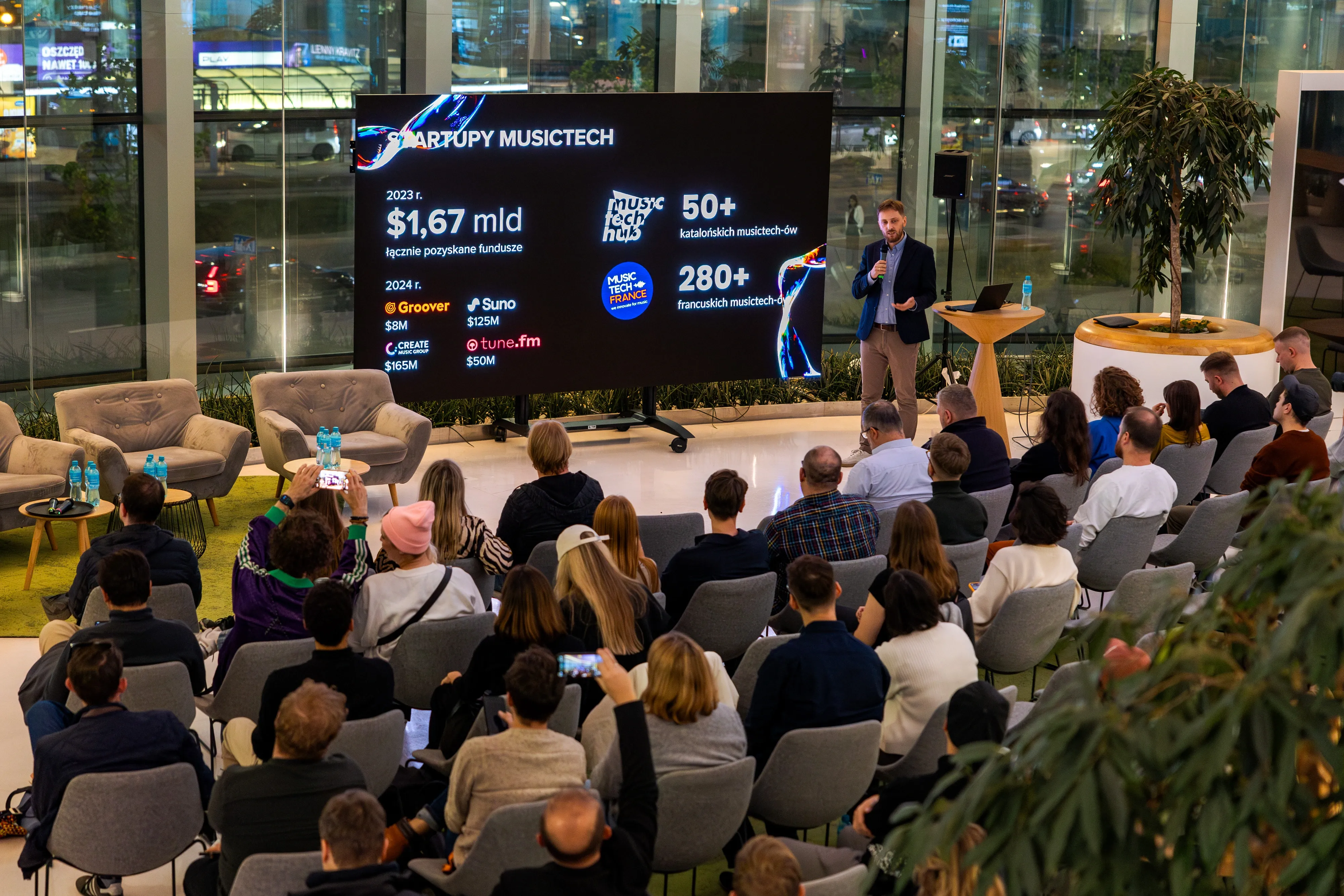
Coding is an art. Knowing industry challenges, available solutions is a toolset. We have established more than twenty partnerships in 2024 with music tech companies and worked with clients from the UK, Netherlands, Spain.












Music Data Lab
Custom Royalties Engine
Make sense of your messy royalty data from dozens of distributors. Bring different formats, territories, and splits together in one place. Get it cleaned, unified, and ready for your analysis. Real examples from real labels, no dashboards, just insight you can actually use.
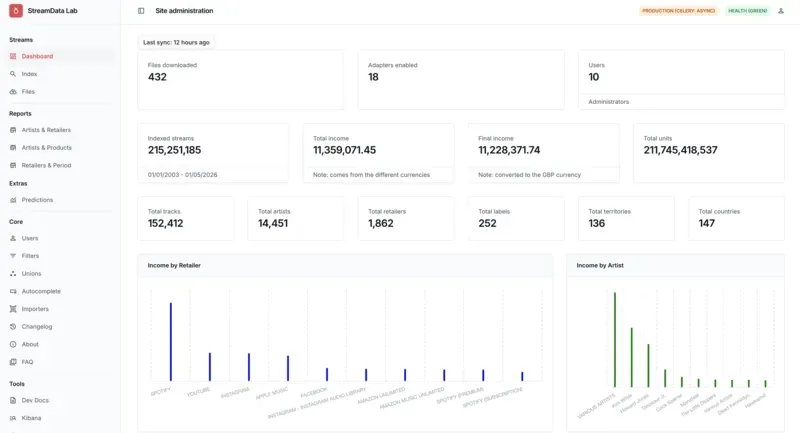
CASE STUDIES
The Projects We Can’t Shut Up About
Yeah, we’re proud. These clients made us look really, really good.

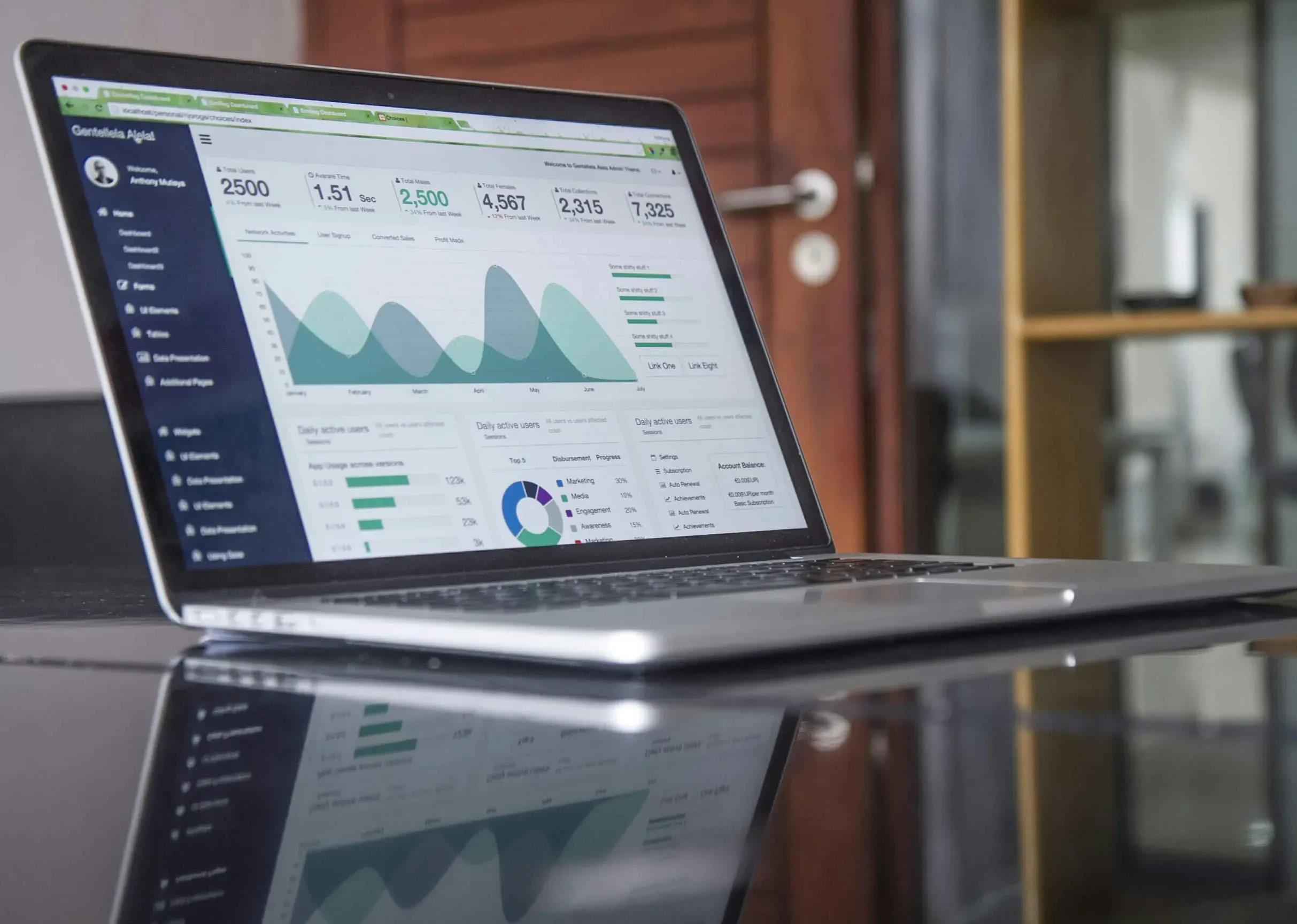
Services
Tailored for Passion-Driven Businesses
You’re the rockstar. We’re the crew that makes sure the show never crashes.
MusicTech Lab
Most dev shops don’t get music. We do.
We build, test, launch and maintain your product. Fast, compliant, and scalable. From idea to MVP in days. From audit to exit-ready in months.
- Custom-Built EverythingTailored solutions built from scratch to meet your unique business needs. We architect scalable systems that grow with your company.
- Idea → MVP → ScaleEnd-to-end product development from concept to launch. We turn your ideas into market-ready products with speed and precision.
- Bulletproof DDEX PipelinesIndustry-standard DDEX implementation for seamless metadata exchange. Ensure compliance and interoperability across the music ecosystem.
- Tech Due DiligenceComprehensive technical audits and assessments. We evaluate code quality, architecture, and scalability to prepare you for investment or acquisition.
- 2-Day Innovation SprintsInnovation workshops to explore cutting-edge technologies. Collaborate with our team to prototype and validate new ideas quickly.
Partners
Expert Network
Built by Developers, Perfected by Pros
- MetadataDDEX pipelines that pass Spotify, Apple & Amazon validation first time. No angry emails ever again.
- LicensingWinning licensing flows and contract logic that make investors smile and due-diligence painless.
- Industry veteransDecades of label & distributor experience dropped straight into your sprint when it matters most.
- Audio AITomorrow’s audio AI features shipped today – built by the researchers who actually invented them.
- Academics & scientistsWorld-class PhDs and professors solving your toughest audio/ML problems in weeks, not years.
- Audio product designersInterfaces that musicians and producers instantly fall in love with. Designed by people who hear everything.

 Aga Samitowska
 Amanda Schupf
 Beata
Beata Drew
Drew Edouard
 Janishia Jones
 Loredana Cacciotti
 Mandy Aubry - MSA Music Services
 Mateusz
 Natalie Jacobs - Equalizer Consulting
 Orwell
 Thijs - Angle of Impact
 Tomasz
 Wojtek
 Yaw
Yaw Zack Bolak - Culture Technologies
 Zack O'Malley Greenburg
Technology Providers
Ship with APIs. Win with custom.
We believe the winners are the ones who launch fast, make money, and only build in-house the few pieces that truly move the needle. That’s the exact playbook we run for you.
API Partners
Pre-vetted APIs and platforms we integrate out of the box. No vendor lock-in. Just plug-and-play acceleration.
Data Feeds
We build bullet-proof ETL pipelines that pull, clean and unify royalty, performance, catalog and identifier data from every corner of the music industry.
Audio Tools
Production-grade stem separation, similarity search, AI music tagging, and prompt-driven discovery ready to drop into your product from day one.
Distribution
Pre-vetted APIs and platforms we integrate out of the box. No vendor lock-in. Just plug-and-play acceleration.
Payments
Automated royalty splits and global payouts with 50+ payment methods and full tax compliance, all wired into your current workflow.
Architecture first
We take your no-code/low-code prototype that’s already working and rebuild it on proper, scalable architecture so it doesn’t collapse the moment real users show up.
Core Team
Meet the Founders
This core trio picks the devs, runs every project, ships on time and handles all the chaos so you just order what you need and watch it get delivered without lifting a finger.

Mariusz Smenżyk
Technical Partner
With over 15 years of experience in software development, Mariusz loves building things and solving problems. Curiosity drives his approach to work. As an amateur guitarist, he loves playing blues. After work, you’ll find him in the water as a long-distance swimmer or on his road bike


Testimonials
What people say
Trusted by leading voices in MusicTech


After a technical partner on our end struggled with this, we handed over a messy DDEX file with just a description of what we wanted, and MusicTech Lab worked their magic to clear everything up. They delivered a fully validated package that solved our ingestion issues perfectly, and were incredibly patient with our delays throughout the process.


They built a mobile app for us on iOS and Android, based on our existing web app. Working with the team was smooth and easy, and they showed real technical skill and professionalism. The app meets all our requirements, and we’re really happy with how everything turned out.

After a technical partner on our end struggled with this, we handed over a messy DDEX file with just a description of what we wanted, and MusicTech Lab worked their magic to clear everything up. They delivered a fully validated package that solved our ingestion issues perfectly, and were incredibly patient with our delays throughout the process.
Newsletter
Stay updated with our latest news and insights. Join our newsletter to receive exclusive updates on product development and be among the first to know when MusicTech Lab is ready for launch.