
Notion Backup Tool Built in 3 Days with Python

Key Takeaways
At MusicTech Lab, we've used Notion extensively for internal documentation, project management, and knowledge sharing. But we made a strategic decision: we're moving away from Notion. Not because it's a bad tool - it's excellent - but because our workflow has evolved.
We now store project data directly with our clients as a standard practice. Keeping a separate Notion workspace created fragmentation and potential security concerns. But before leaving, we needed to preserve years of accumulated knowledge.
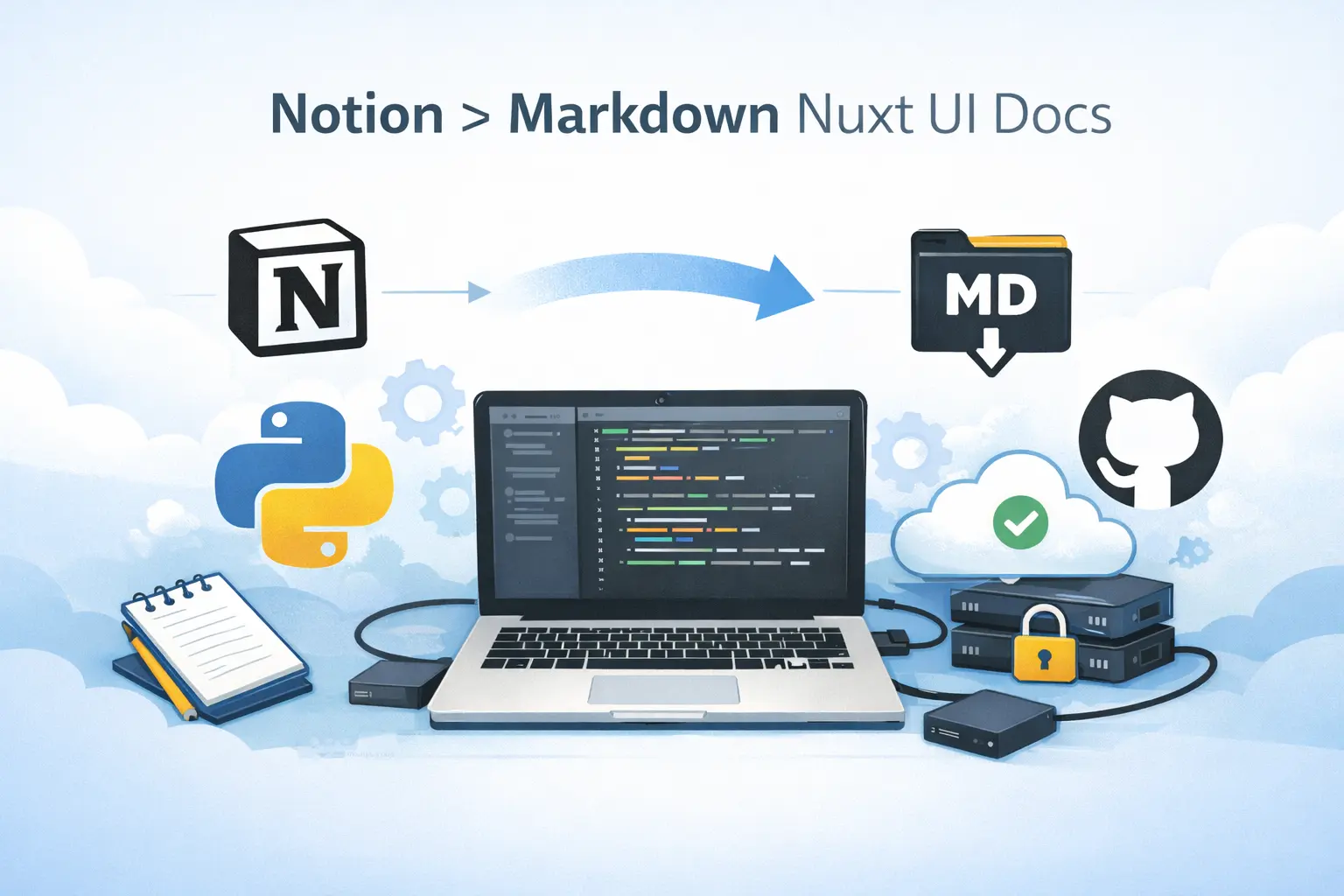
This is the story of how we built a custom Python tool that exports Notion content to Markdown - and why we're releasing it as open source.
Why We're Leaving Notion
Our decision came down to three factors:
1. Client-first data storage
We've adopted a policy of storing all project documentation directly in our clients' systems. Whether that's their GitHub, Confluence, or internal wikis - the data lives where the client can access and own it. Maintaining a parallel Notion workspace created duplication and sync headaches.
2. Data ownership concerns
As a company working with music industry clients, we handle sensitive business information. Having that data in a third-party SaaS, even one as reputable as Notion, introduced unnecessary risk. Direct client storage means clearer data ownership and simpler compliance.
3. Reducing tool sprawl
Every tool in your stack is a potential point of friction. By eliminating Notion and using client-native tools, we reduced context switching and simplified onboarding for new team members.
But we still had 4000+ pages of internal processes, meeting notes, and institutional knowledge that we couldn't just abandon.
The Problem
Notion's native export is... functional, but painful:
- Manual process - no automation possible
- Messy folder structures with random IDs
- Broken image links (Notion URLs expire)
- Lost hierarchy - parent-child relationships disappear
- No frontmatter for static site integration
We needed a way to extract everything in a format that would remain useful for years - clean Markdown files that could live in Git, be searched easily, and optionally published on our website.
The Challenge
Building a proper Notion export tool revealed several non-obvious challenges:
Hierarchical structure
Notion pages can be infinitely nested. The API returns flat lists, not trees. Preserving parent-child relationships for navigation required building our own hierarchy map.
Rich content types
Notion has toggles, callouts, databases, embeds, tables, code blocks, and 20+ block types. Each needs specific Markdown conversion logic.
Expiring media URLs
Notion's image and file URLs expire after approximately 1 hour. You cannot reference them directly - they must be downloaded and stored locally.
Database rendering
Notion databases contain valuable structured information. They needed to be converted to readable Markdown tables with all property types preserved.
Our Solution
We built notion-sync, a Python CLI tool with three main components:
NotionClientWrapper - Handles all API communication with pagination, error handling, and recursive page discovery.
MarkdownBuilder - Converts Notion blocks to clean Markdown, downloads assets locally, and generates YAML frontmatter for static site generators.
sync_notion.py - Orchestrates the process and provides a flexible CLI interface.
Key Features
- Recursive page crawling - Discovers and syncs all nested content automatically
- Asset downloading - Images, PDFs, and videos are saved locally with content-based hashing
- Hierarchy preservation - YAML frontmatter with parent/child relationships
- Database rendering - Converts to Markdown tables with all property types
- Flexible CLI - Full sync, single page branch, database-only, and test modes
Tech Stack
We chose simplicity over cleverness:
Sync Tool (Python)
- Python 3.11 - Excellent for scripting and API work
- notion-client - Official Notion SDK
- requests - HTTP client for asset downloading
- PyYAML - Frontmatter generation
- python-dotenv - Environment configuration
- Poetry - Dependency management
The sync tool is under 700 lines across three files. No async complexity, no heavy frameworks - just straightforward code that's easy to understand and modify.
Documentation Site (Vue + Nuxt)
The synced Markdown files power a documentation site built with:
- Vue 3 - Modern reactive framework
- Nuxt 3 - Full-stack Vue framework with excellent DX
- Nuxt Content - Markdown-based CMS that reads our synced files directly
- Nuxt UI - Beautiful, accessible component library
This combination is particularly powerful: Nuxt Content automatically parses our YAML frontmatter and builds navigation from the hierarchy metadata. The synced Markdown files become a fully navigable documentation site with zero additional configuration.
The Vue + Nuxt ecosystem is our go-to for content-heavy sites. It's fast, SEO-friendly, and the developer experience is outstanding.
Obstacles We Overcame
Recursive Block Fetching
Notion's API returns blocks without their children. We implemented recursive fetching:
def process_blocks_recursive(blocks_list, indent=0):
    for block in blocks_list:
        builder.process_block(block, indent)

        if block.get("has_children", False):
            child_blocks = notion_client.get_blocks(block["id"])
            process_blocks_recursive(child_blocks, indent + 1)
Database Permission Gaps
Not all databases visible in search are actually accessible for querying. We added a --test-database-access mode that probes each database before attempting sync.
Large Workspace Performance
Syncing 4000+ pages needed visibility. We added progress bars and timing breakdowns:
[=================>              ] 53.2% (213/400)

Timing breakdown:
   Collecting pages:    12.3s
   Collecting metadata: 45.2s
   Syncing pages:       3m 21.5s
Results
After 3 days of development:
- 4000+ pages synced in under 2 hours
- Zero manual intervention - runs via console
- Full asset backup - all images and files stored locally
- Navigation-ready output - integrates with Nuxt Content
- Complete database support - renders as Markdown tables
Our entire Notion workspace is now a Git repository of Markdown files. Searchable, versionable, and completely under our control.
Why Open Source?
We're going to release this tool publicly because:
1. Others face the same problem
Notion lock-in is real. Whether you're migrating to another tool, need proper backups, or want to publish content statically - the native export doesn't cut it.
2. It's not our core business
We're a software development company, not a SaaS vendor. This tool solves our problem and might solve yours too. Open sourcing it costs us nothing and helps the community.
3. Community improvements
The tool works for our use case but could be extended. Incremental sync, bidirectional editing, different output formats - contributions are welcome.
Lessons Learned
Start with the API documentation
Notion's block structure is more complex than it looks. Reading the docs thoroughly before coding saved refactoring time.
Handle expiring URLs immediately
We made downloading assets a core feature from day one. This saved us from discovering the URL expiration issue in production.
Build for incremental testing
The --limit and --page flags made development fast. Testing with 5 pages instead of 400 is a massive time saver.
Simple beats clever
Synchronous, straightforward code over async complexity. The sync runs nightly - saving 30 seconds with async isn't worth the debugging overhead.
Get the Tool
The tool will be available on GitHub shortly. It's designed to be self-contained:
- Create a Notion integration at notion.so/my-integrations
- Share your root pages with the integration
- Set up
.envwith your API key and root page IDs - Run
poetry run notion-sync
Watch our GitHub for the release announcement.
Conclusion
Leaving a tool like Notion after years of use is daunting. The fear of losing institutional knowledge is real. But with the right migration tooling, it becomes manageable.
Our new approach - storing documentation directly with clients - is cleaner and more secure. The Notion export tool ensured we didn't lose anything in the transition.
If you're considering a similar move, or just want reliable Notion backups, the tool is there for you. Fork it, adapt it, contribute back.
Building developer tools or planning a platform migration? Contact MusicTech Lab - we help companies solve complex technical challenges in the music industry.
Need Help with This?
Building something similar or facing technical challenges? We've been there.
Let's talk — no sales pitch, just honest engineering advice.
Multi-Tenant Apps with Django and Saleor.io
Saleor is a great e-commerce open-source platform for building modern online stores with a multi-tenant management system.
Important new features in Python 3.8
The new release of the Python programming language brought new features that might be very useful while providing python web development services.
Related Articles





Technical Partner
Technical partner at MusicTech Lab with 15+ years in software development. Builder, problem solver, blues guitarist, long-distance swimmer, and cyclist.
Newsletter
Get music tech insights, case studies, and industry news delivered to your inbox.