Case Study·

Custom Chromecast & AirPlay Casting App
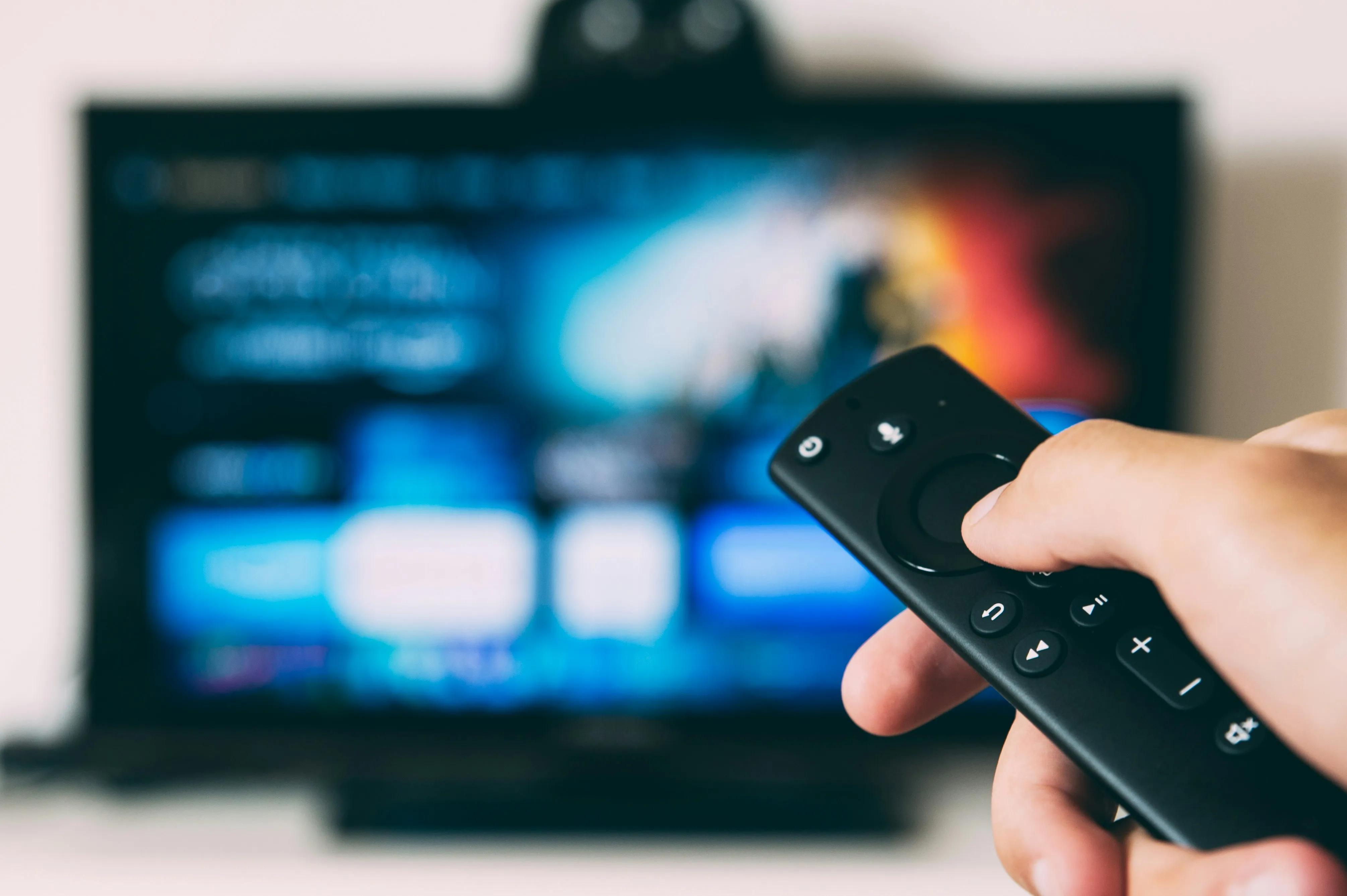
How controlling a TV turned out to be harder than streaming to it, and why we built our own Chromecast receiver after 14 prototypes.
Custom Chromecast & AirPlay Casting App
NDA

Key Takeaways

14 prototypes built before finding the right casting architecture.
Custom Chromecast receiver enables real-time QR code and animation overlays on TV.
Custom AirPlay Flutter plugin written from scratch in 3 weeks.
Flutter chosen over React Native and native after PoC comparison across all three.

The Brief That Seemed Simple

A media company came to us with what sounded like a straightforward request: "We want users to browse video content on their phones and cast it to any TV nearby."

Simple, right? Tap a video, tap a TV, watch.

Except the word "any" hid a world of complexity. The client's users had Chromecasts, Apple TVs, smart TVs with AirPlay, and older devices. The content needed dynamic overlays — QR codes, logos, animations that appear at specific moments. And the whole experience had to feel instant, like the phone was just a fancy remote control.

We quickly realized this wasn't a development project. It was an R&D expedition.

The Real Problem: Control, Not Just Playback

Here's what most people don't understand about Chromecast: playing a video is easy. Controlling what happens on the TV is hard.

Chromecast was designed for a simple use case — send a URL, let the TV handle it. But our client needed more:

QR Code Overlays
Toggle QR codes on and off during playback
Debug Information
Show debug panels for testing
Custom Overlays
Display graphics at specific timestamps
Custom Commands
Send commands the TV actually understands

The default Chromecast receiver doesn't do any of that. We needed to build our own.

The Platform Decision

Before writing any production code, we needed to answer a fundamental question: what technology could handle casting to multiple ecosystems while maintaining a single codebase?

We built proof-of-concept apps in three different frameworks:

React Native
Huge ecosystem, but Chromecast libraries were outdated and unreliable. After two weeks we had an app that sometimes found nearby devices. Sometimes.
Native Swift/Kotlin
Best casting integration, but maintaining two codebases for a startup budget wasn't realistic. More time syncing features than building them.
Flutter
Google's backing meant solid Chromecast support. Plugin architecture let us write native casting code when needed, keeping 90% cross-platform.
We went with Flutter. It was a bet, but one that paid off.

The Casting Puzzle: 14 Prototypes Later

Here's something we don't usually admit in case studies: we built fourteen different prototypes before landing on the final architecture.

WebRTC — The Dead End
Peer-to-peer video streaming seemed ideal. We built a Node.js signaling server and got devices talking. But casting isn't a conversation — it's a broadcast. The TV doesn't need to send video back. We were overcomplicating things. Not wasted though — we extracted the QR code pairing system that became a core feature.
FFmpeg — The Detour
Server-side video processing to bake overlays into the stream. Built two versions (Python FastAPI + embedded Flutter). Both worked, but processing delay was noticeable and every overlay change meant re-encoding. For hundreds of videos, not sustainable.
Client-Side Rendering — The Insight
Overlays needed to be rendered in real-time on top of the video stream. More complex to build, infinitely more flexible. No re-encoding, no delay.
Multi-Layer Architecture — The Breakthrough
Instead of one video with baked-in graphics, a layered system: base video, overlay layer (QR codes, logos), animation layer (Lottie), subtitle layer, and audio mixing. It worked on the phone — but could we cast this to a TV?
Custom Chromecast Receiver — The Solution
We registered our own receiver with Google and built a web app running on the Chromecast itself. Custom namespace messaging, instant overlay commands, and full visual control — without touching Chromecast firmware.

The AirPlay Surprise

AirPlay should have been easier — Apple's ecosystem, tight integration, "it just works."

Except Flutter had no official AirPlay plugin. We wrote our own.

Three weeks of diving into Apple's documentation, bridging Swift code to Dart, and testing on every AirPlay device we could find. This wasn't in the original scope, but without it, we'd have lost half our potential users.

The Problems Nobody Warned Us About

Network Discovery is Chaos
Chromecast uses mDNS. AirPlay uses mDNS differently. Some networks block multicast. Corporate WiFi isolates devices. We built a multi-protocol discovery system with caching and graceful reconnection.
State Synchronization
Phone and TV are separate devices with separate states. We built a system treating the phone as source of truth for intent while respecting the TV's reality. When they diverge, graceful reconciliation.
The Mobile Data Problem
A developer accidentally streamed 2GB over cellular. We added network awareness — detect WiFi-to-mobile switches, warn users, optionally pause. Small feature, saved users real money.

What We Actually Built

Custom Chromecast Receiver
A web app running on the Chromecast with our overlay system, custom commands, and on-demand QR code rendering.
Universal Casting
Chromecast and AirPlay from the same interface. Users don't need to know which protocol their TV uses.
Real-Time Overlay Control
QR codes, logos, and animations toggled instantly. No re-encoding, no delay.
Channel-Based Browsing
Content organized into channels with D-pad navigation. Swipe up for next channel, swipe right for next video.
Seamless Handoff
Start on phone, cast to TV, pick up phone later — it knows what's playing. Always feels like a remote control.
Debug Mode
Toggle a debug panel on the TV from your phone. Essential for testing, easy to disable in production.

The R&D Investment

Fourteen prototypes sounds like waste. It wasn't. Each failed approach taught us something:

  • WebRTC showed us the value of QR pairing
  • FFmpeg experiments proved client-side rendering was necessary
  • React Native's limitations confirmed Flutter was the right choice
  • The multi-layer PoC became the foundation of our overlay system
  • Early Chromecast tests revealed we needed a custom receiver
The client got a production app, but they also got certainty. We didn't guess at the architecture — we proved it through systematic exploration.

Lessons for Clients

InsightWhy it matters
Casting isn't streamingSending video to a TV is easy. Controlling what happens on that TV requires custom development
Custom receivers unlock everythingAnything beyond play/pause/seek means building your own Chromecast receiver
Platform choice matters enormouslyTwo weeks on React Native felt like lost time, but it would have been months of pain
Prototypes aren't wasteEvery PoC either became part of the final product or eliminated a dead end early
Test on real hardwareChromecast bugs don't show up in simulators. We maintained a "casting corner" with multiple device generations

Tech Stack

Flutter
Cross-platform mobile
Chromecast SDK
Custom receiver app
AirPlay
Custom Flutter plugin
WebRTC
QR-based device pairing
FFmpeg
Video processing
Lottie
Animation overlays
Node.js
Signaling server
FastAPI
Video processing API

Deliverables

Cross-Platform Mobile App
iOS + Android from a single Flutter codebase
Custom Chromecast Receiver
With overlay support and custom messaging protocol
Custom AirPlay Plugin
Built from scratch for Flutter
Backend CMS
Content and overlay management

Let's Build Something Together

Have a similar project in mind? We'd love to hear about it.

Get in touch to discuss how we can help bring your vision to life.