
Why we decided to use wavesurfer.js

Key Takeaways
The main challenge
In one of our projects, we faced the business requirement to create a custom audio player — nothing complex, with several controls: play, pause, previous and next track, and changing volume. The challenge was the player should also be responsible for drawing the audio spectrum.
Available solutions
Building a basic audio player with the browser's Audio API is straightforward. Drawing a waveform spectrum is where it gets complex. There are algorithms available on the web, but adjusting them to specific designs and interactions is time-consuming. We decided to look for a ready-made library.
Does a Vue.js Audio Player library exist?
At MusicTech Lab, our standard frontend stack is Vue.js. Our first idea was to find a Vue.js audio library. Unfortunately, none of the available options matched our needs — some could play tracks and draw a spectrum, but customising them to our designs was impossible. Time was running out, and we had only a few weeks to close this topic.
Our solution: WaveSurfer.js
Finally, we found WaveSurfer.js — a customisable audio spectrum visualisation library based on the Audio API and HTML5 Canvas. With over ten years of development, it was a proven candidate.
We quickly configured the waveform container — height, width, colours for the wave and progress — and it matched our designs. A few lines of configuration replaced hundreds of lines of custom code.
The Regions Plugin
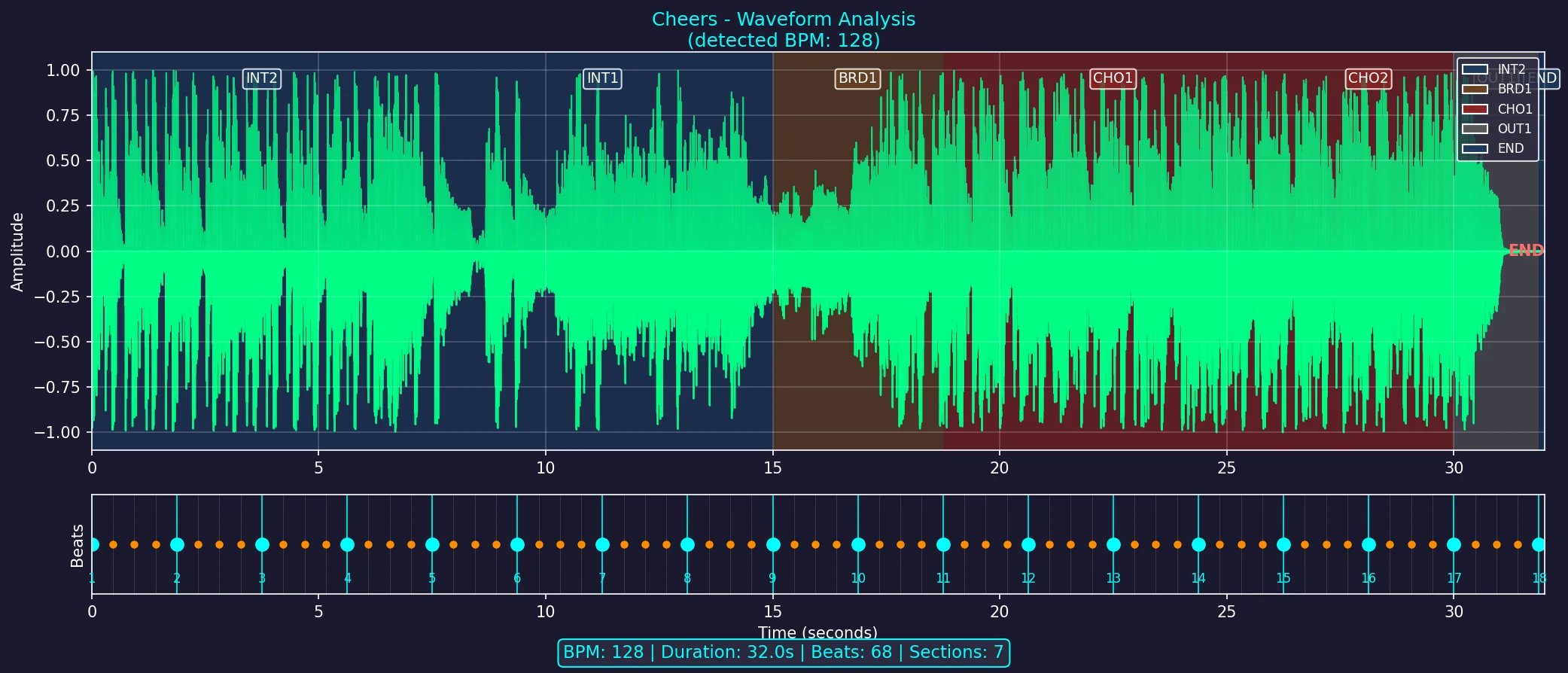
Our business requirement was to let users play hooks — specific parts of a track like a chorus or guitar riff, highlighted on the spectrum. The Regions plugin was exactly what we needed.
The hook menu above the spectrum is a custom component, but the hook highlighting and playback is fully powered by the Regions plugin.
Result
We recommend this library to anyone building a similar audio component.
Let's Build Something Together
Have a similar project in mind? We'd love to hear about it.
Get in touch to discuss how we can help bring your vision to life.
Which Database for Music Data? Redshift vs BigQuery vs ClickHouse and When to Use Each
A practical comparison of BigQuery, Redshift, and ClickHouse for music industry workloads, from royalty reporting to real-time streaming analytics.
Music Industry Tech Openings (April 2024 Update)
Curated list of tech job openings in the music industry for April 2024. Explore roles at music startups, labels, streaming platforms, and more.
Related Articles



Newsletter
Get music tech insights, case studies, and industry news delivered to your inbox.